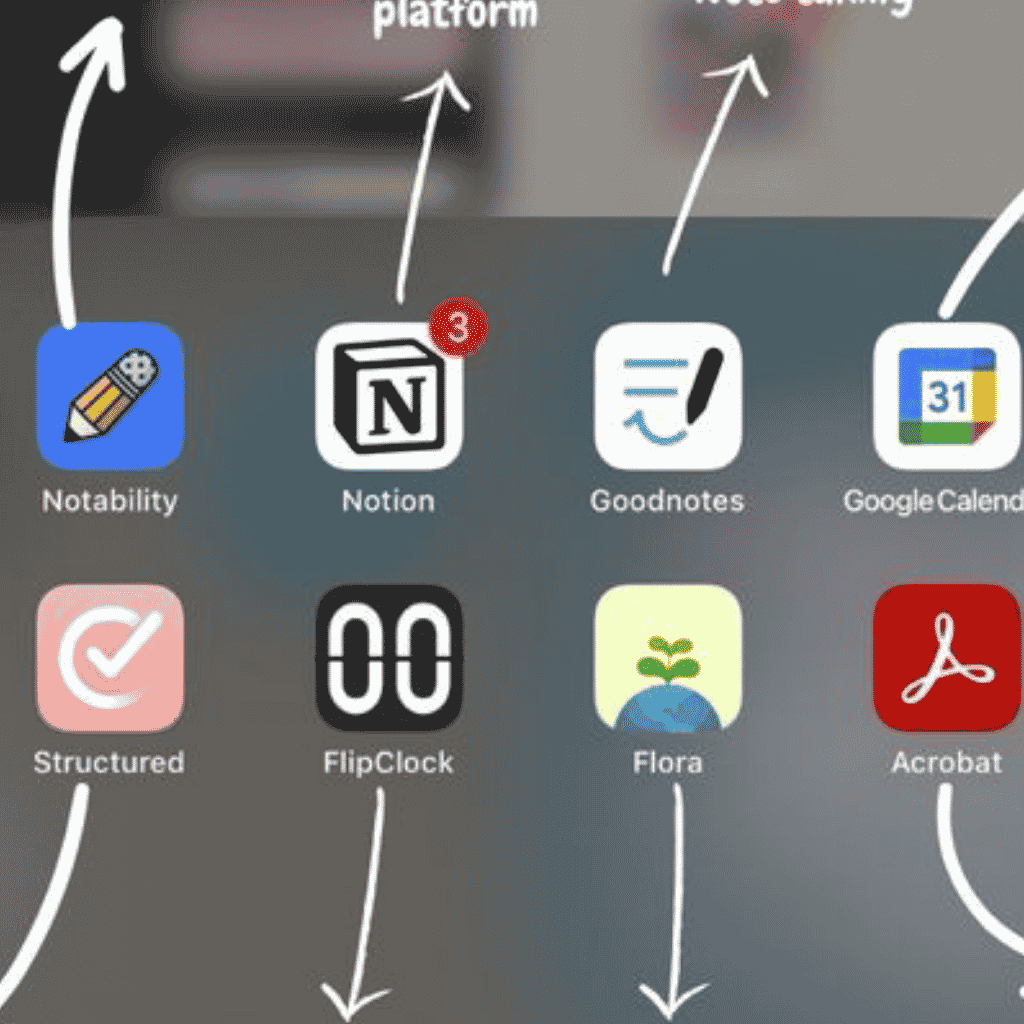
Top Free Apps for Students
Discover the top free apps for students to improve studying, productivity, and budgeting. Explore the best tools for academic and personal success.
Student life can feel overwhelming between assignments, exams, schedules, and managing finances. That’s why finding the top free apps for students can make a huge difference in staying organized and productive without spending extra money. Whether you need help taking notes, managing your time, or tracking your budget, there are plenty of free apps designed to make student life easier.
In this guide, we’ll explore the best study apps, productivity tools, and finance apps that every student should consider using.
Why Students Need Helpful Apps
Technology has transformed the way students learn and stay organized. Instead of relying on paper planners and notebooks alone, apps now help students:
- Organize assignments and deadlines
- Improve focus during study sessions
- Collaborate with classmates
- Manage expenses and budgets
- Access study materials anytime
The right apps can save time, reduce stress, and improve academic performance. The best part is that many powerful tools are completely free.
READ ALSO: Internship Opportunities: Where to Find Internships in Ghana
Best Study Apps for Students
1. Notion
Notion is one of the most versatile study tools available today. Students can use it for note-taking, project planning, to-do lists, and organizing class materials in one place.
Key Features:
- Custom study dashboards
- Task tracking
- Shared collaboration spaces
- Templates for class notes and schedules
Best For:
Students who want an all-in-one organization tool.
2. Quizlet
Quizlet helps students memorize information using flashcards and quizzes. It’s especially useful for language learning, science terms, and exam preparation.
Key Features:
- Digital flashcards
- Practice quizzes
- Study games
- AI-powered learning modes
Best For:
Students preparing for tests and exams.
3. Google Keep
Google Keep is a lightweight note-taking app that makes it easy to create quick reminders, checklists, and study notes.
Key Features:
- Color-coded notes
- Voice memos
- Reminder notifications
- Syncs across devices
Best For:
Students who prefer simple and fast note-taking tools.
4. Khan Academy
Khan Academy offers free educational content across subjects like math, science, economics, and history.
Key Features:
- Free video lessons
- Practice exercises
- Personalized learning paths
- Test preparation resources
Best For:
Students who need extra academic support outside the classroom.
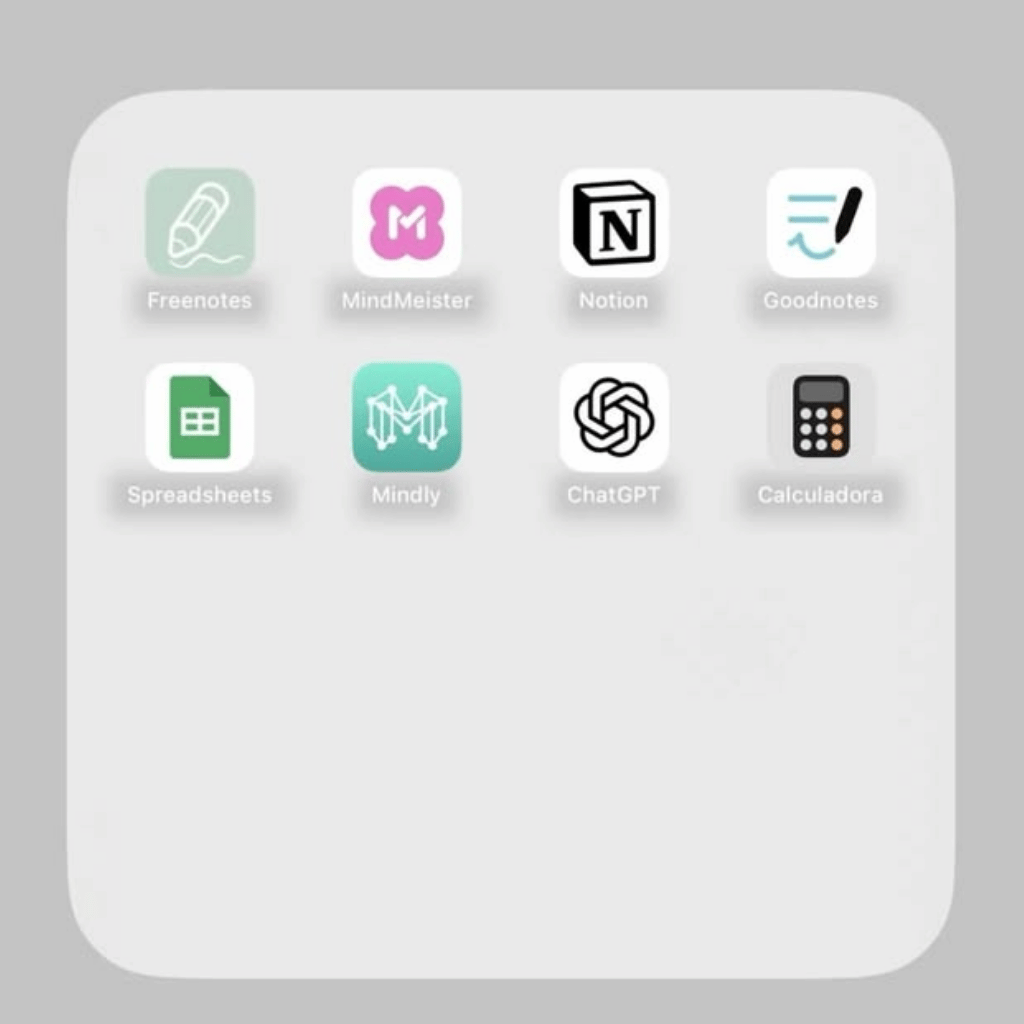
Top Free Apps for Students for Productivity
Staying productive is one of the biggest challenges students face. These productivity tools can help students manage their time more effectively and avoid procrastination.
1. Todoist
Todoist is a task management app that helps students keep track of assignments, deadlines, and daily goals.
Key Features:
- Task prioritization
- Deadline reminders
- Recurring tasks
- Productivity tracking
Best For:
Students with busy schedules and multiple responsibilities.
2. Google Calendar
Google Calendar is one of the easiest ways to organize classes, study sessions, and extracurricular activities.
Key Features:
- Event scheduling
- Shared calendars
- Study reminders
- Integration with Gmail
Best For:
Students who need better time management.
3. Forest
Forest is a unique productivity app designed to help students stay focused. The app rewards users with virtual trees for avoiding distractions.
Key Features:
- Focus timer
- Distraction blocking
- Gamified productivity
- Study session tracking
Best For:
Students who struggle with phone distractions during study time.
4. Trello
Trello uses boards and cards to help students organize projects and assignments visually.
Key Features:
- Visual task organization
- Team collaboration
- Due date tracking
- Workflow management
Best For:
Group projects and assignment planning.
Best Free Finance Apps for Students
Managing money is an important skill for every student. These finance apps help students build better budgeting habits and track spending.
1. Mint
Mint is one of the most popular budgeting apps available for free.
Key Features:
- Expense tracking
- Budget creation
- Bill reminders
- Spending insights
Best For:
Students who are learning how to manage personal finances.
2. Goodbudget
Goodbudget uses the envelope budgeting method to help students control spending.
Key Features:
- Budget planning
- Expense categorization
- Shared budgets
- Savings tracking
Best For:
Students who want a structured budgeting system.
3. Splitwise
Splitwise is perfect for students who share apartments, dorms, or group expenses.
Key Features:
- Bill splitting
- Expense tracking
- Payment reminders
- Group budgeting
Best For:
Roommates and shared living situations.
4. PocketGuard
PocketGuard helps students avoid overspending by showing how much money is available after bills and savings.
Key Features:
- Spending analysis
- Budget insights
- Savings goals
- Subscription tracking
Best For:
Students are trying to build smarter spending habits.
How to Choose the Right Student Apps
With so many apps available, students should focus on choosing tools that match their specific needs and routines.
Here are a few tips for selecting the right apps:
Identify Your Biggest Challenges
Ask yourself:
- Do you struggle with time management?
- Are you easily distracted?
- Do you need help budgeting?
- Are your notes disorganized?
Understanding your biggest challenges helps narrow your choices.
Avoid Downloading Too Many Apps
Using too many apps can become overwhelming. Start with a few essential tools and expand only if necessary.
For example:
- One note-taking app
- One productivity app
- One finance app
This approach keeps your workflow simple and manageable.
Look for Cross-Device Compatibility
Choose apps that work across smartphones, tablets, and laptops. This allows you to access your information anywhere.
Apps like Notion, Google Calendar, and Todoist work well across multiple devices.
Prioritize Free Features
Some apps offer premium subscriptions, but many free versions are powerful enough for students. Focus on apps that provide strong free functionality before upgrading.
Beyond the Apps: Your Campus Life Simplified
Using the top free apps for students is a great way to level up, but don’t forget the basics. A productive semester starts with a comfortable place to lay your head. At Getrooms, we’ve spent years building a network of over 800 hostels across 60 universities—from Legon to KNUST and beyond.
We know the “middleman” hustle can be frustrating. That’s why our platform lets you bypass the stress. For a small fee (as low as GHS 10), you get direct access to hostel managers. Check out our pricing page for more details on how to get started.
Final Thoughts
Finding the top free apps for students can significantly improve academic performance, productivity, and financial management. Whether you need better study tools, smarter scheduling systems, or budgeting support, there’s an app that can simplify student life.
The key is choosing apps that fit your personal habits and goals. Start with a few trusted tools like DeetFlow, Notion, Quizlet, Google Calendar, or Mint, and build a system that helps you stay organized and focused throughout the school year.
Ready to improve your student life? Try a few of these free apps today and discover which ones help you study smarter, stay productive, and manage your finances more effectively.
Ready to find your perfect student home? Start searching for your next hostel on Getrooms now!